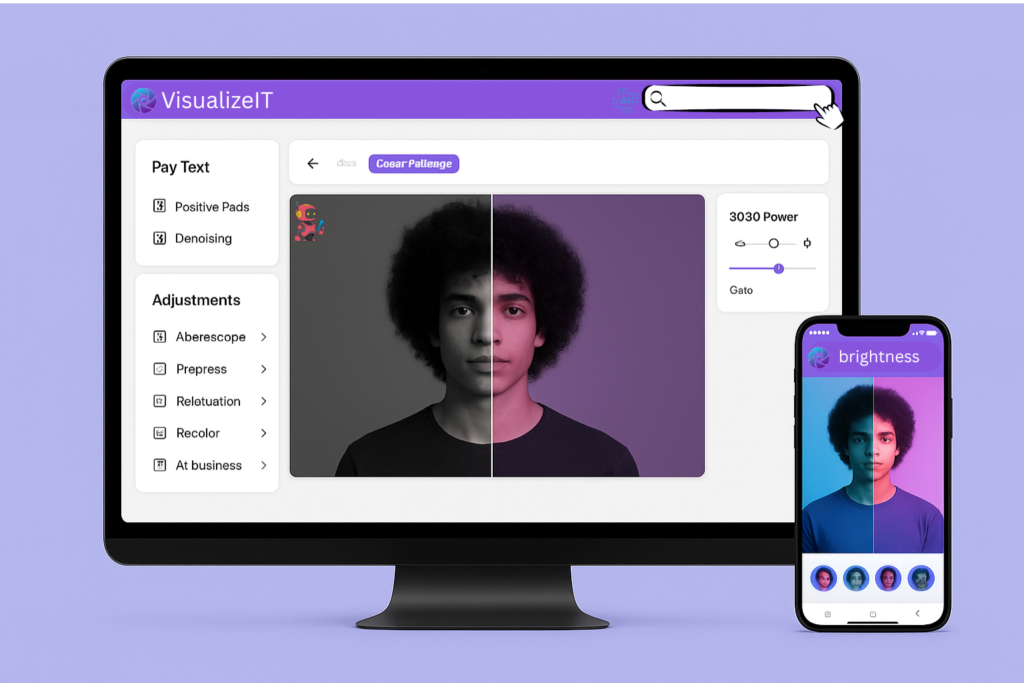
image tools · bulk & free
compress · resize · crop · flip · adjustments · filters · effects · upscale · remove bg · rotate · blur face · html to image
Compress bulk
JPG, PNG, SVG, GIF – save space, keep quality.
Resize
By percent or pixel. Batch resize images.
Crop
Visual crop or pixel‑perfect rectangle.
Flip
Mirror horizontal, vertical. Batch flip.
Adjustments
Brightness, contrast, saturation, HSL.
Filters
Vintage, noir, sepia, cinematic presets.
Effects
Glitch, blur, pixelate, bixe, reflections.
Upscale
Enhance Quality, maintain quality.
Remove BG
Auto detect subject, cut out background.
Rotate
Batch rotate JPG, PNG, GIF. Portrait/landscape.
Blur face privacy
Auto detect faces, pixelate or blur for anonymity.
Editing Tool Kit: Key Features
Professional tools for seamless image editing and design.
Crop & Ratio
Accurately trim and resize images easily.
Brightness
Adjust exposure and color vibrancy instantly.
Filters
Apply artistic and professional filters.
Rotate & Flip
Correct orientation with a single click.
AI Remover
Remove backgrounds using Smart AI.
Upscaler
Enhance resolution and sharpen details.
Edit your photos in 3 easy steps Heading Text Here
Upload Photo
AI Edit
Download
Advanced Image Editing
Professional AI tools to transform your photos instantly.
Start EditingAI Enhancements
Auto-adjust colors and lighting with AI.
Precise Tools
Crop and resize with pixel perfection.
Filters
Apply stunning effects and visual styles.
VisualizeIT Blog - compact image editing articles
Latest insights
10 Photoshop tricks for speed
Shortcuts & blend modes to cut editing time in half. Non‑destructive workflow.
Read moreColor grading 101: cinematic looks
Use curves, color wheels & LUTs for professional movie‑style feel.
Read moreAI tools for instant background removal
Compare 2025’s top AI editors: speed, accuracy & one‑click masks.
Read more